
How to Stream Consistently on Twitch: A Schedule You Can Keep All Year
Consistency on Twitch is a habit problem. Pick a schedule you can hold on a bad week, publish it, plan your misses, and let your chat keep you honest.
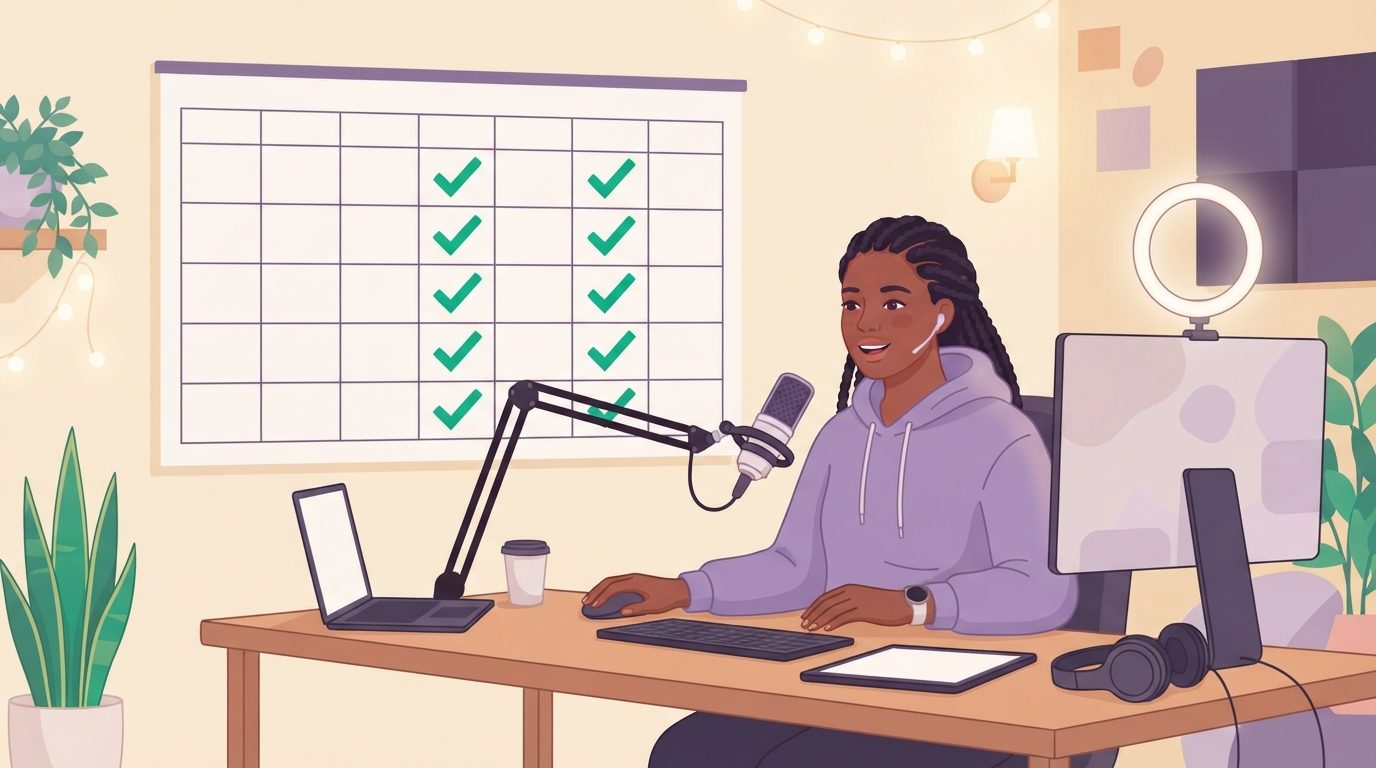
📺 Related Video: Best Twitch Schedule Tips! How To Maximize Them Correctly!
Video by: Wild4Games · Watch on YouTube
You stream consistently on Twitch by treating it as a habit instead of a mood: pick a schedule you can hold on a bad week, publish it where viewers can see it, decide in advance what a missed stream means, and put people on the other end of every stream day. Motivation gets most new streamers through January. Those four things get them through the year.
The reason this matters is simple. Viewers cannot become regulars around a channel they cannot predict. The schedule guides that rank for this question all land on the same point: a streamer who reliably goes live on the same three days will out-grow one who streams five random days, because predictability is what lets a viewer build a habit around you. Peakclips puts it as consistency beating perfect timing; Streamlint puts it as predictability beating volume. Both are describing habit formation, just on the viewer's side.
This guide covers the streamer's side. It is written for people with jobs, classes, or kids who want to still be streaming in December, and it borrows from the same research on habits that applies to going to the gym, because a stream day is a rep like any other.
Consistency is a habit problem, not a motivation problem
A stream schedule fails for the same reason a gym schedule fails: the plan was built for the week you set it, not the week you have to keep it. The first month runs on excitement. By week six the novelty is gone, viewer counts are still small, and the only thing left holding the schedule up is whatever system you built underneath it.
Most streamers build none. They decide on a schedule that looks impressive, hit it for two weeks, cancel once, cancel again the following week because the first cancel made the second one easier, and by month three the schedule exists only in their channel panels. Peakclips describes this drift exactly: nobody decides to quit, the schedule dissolves.
The fix is to stop asking "how often should I stream" and start asking "how many stream days can I hold for 66 days in a row without a heroic week." That number is usually smaller than the one you want to post. In the University College London study on habit formation, it took participants a median of 66 days for a new daily behavior to feel automatic, with a wide range from 18 to 254. Streaming is not daily, so budget for a full season, not a month, before showing up stops taking willpower.
Pick a schedule you can keep on a bad week
The right number of stream days is the number you can hit in the week your car breaks down, not the number you can hit in the week you have nothing else on. Every guide that ranks for this keyword agrees on a range of three to five days a week and two to four hours per stream, and every one of them adds the same caveat: fewer days you always hit beat more days you sometimes cancel.
The way to find your number is to set a Floor and a Ceiling, the same structure that works for any habit. The Floor is the smallest stream that still counts as a stream day: say 90 minutes, same start time, no special content. The Ceiling is the full session you imagined, four hours with a themed segment and a raid at the end. You step on the Floor every scheduled day. You burst through the Ceiling when the day allows. A Floor stream on a tired Thursday keeps the schedule intact. Cancelling because you could not do the Ceiling is how schedules die.
| Your situation | Floor (what always happens) | Ceiling (the full version) | Days per week |
|---|---|---|---|
| Full-time job, streaming as a hobby | 90 minutes, fixed start | 3 hours, planned content | 2 to 3 |
| Student with a shifting timetable | 2 hours on the two fixed days | Add a weekend long stream | 2, plus one bonus |
| Parent with young kids | 1 hour after bedtime | 2.5 hours on a night with help | 3 |
| Part-time, trying to grow | 2 hours, same slot | 4 hours plus a community night | 4 to 5 |
Two rules for filling in the table. First, pick specific days and a hard start time. "Live at 7:00 PM Tuesday and Thursday, ending 9:30" is a schedule. "Evenings, a few times a week" is a wish. Second, start one day lower than you think you can manage. Peakclips makes the case well: starting at five days and dropping to two reads as decline to your regulars, while starting at two and adding a third reads as growth, even though the channels end up identical.
Publish the schedule and treat it as a promise
A schedule that lives in your head helps no one plan around you, so the second step is to make it public in the places viewers actually look. Twitch has a built-in Schedule feature for exactly this. In the Creator Dashboard, go to Settings, then Channel, then Schedule, add a stream with a title and category, and set it to repeat weekly. Throne's walkthrough covers the clicks; the payoff is that the schedule shows on your channel page and viewers can opt in to a reminder before you go live.
Then repeat it everywhere a new viewer might land:
- Top panel on your channel, not buried under the PC specs.
- Your starting-soon screen, so the people who arrive early see when to come back.
- Your Discord, if you have one, with a pinned schedule and a live-now announcement. If your community lives there, the guide to keeping a Discord community active covers the between-stream side.
- Your social bios, one line, updated the day the schedule changes.
Publishing does something for you as well as for viewers. A public schedule is a small commitment device: skipping a stream that nobody knew about costs nothing, while skipping one that 40 people set a reminder for costs something. That cost is the point. It is the same mechanism that makes telling a friend about a goal work, and it is why every guide to consistency, including StreamLadder's, tells you to announce changes in advance rather than go quiet.
Build a pre-stream routine that removes the decision
The hardest part of a stream day is the 20 minutes before it, and a fixed pre-stream routine removes the decision that happens there. Streamers rarely skip a stream at 7:00 PM. They skip it at 6:40, sitting on the couch, when going live feels like a mountain of small tasks: scene check, mic check, title, category, tweet, water, snacks.
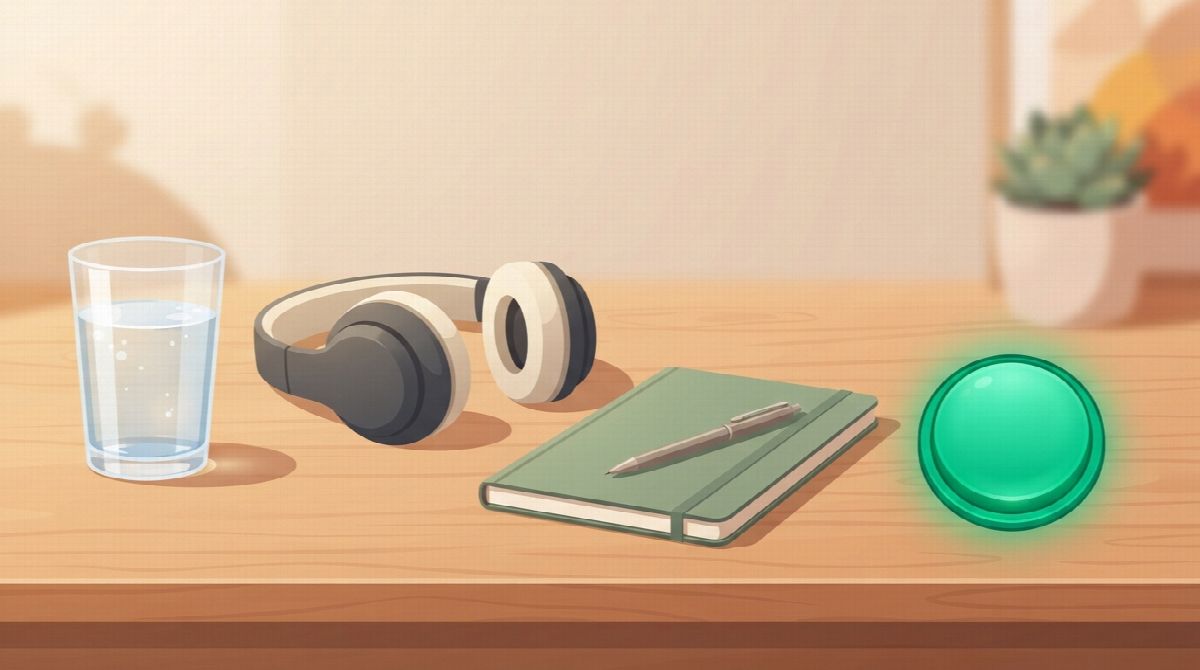
Write the mountain down once, in order, and it becomes a checklist you can run on autopilot:
- Fixed cue. The routine starts at a fixed trigger, like the 6:30 alarm or finishing dinner, not "when I feel ready."
- Same order every time. Water, headphones, OBS open, scene check, title and category, announcement post. Same six steps, same order, ten minutes.
- Content decided the day before. The game, the theme, the first thing you will say. A stream with no plan is a stream that is easy to skip.
- Go live at the minute you promised, even if the plan is thin. Being live on time with a Floor stream beats being late with a Ceiling one.
The guide to starting a habit goes deeper on cues and routines. The short version for streamers: the routine is what you fall back on when you do not feel like it, so build it while you do.
Plan the missed stream before it happens
The first missed stream decides whether the schedule survives, and you should decide what a miss means before it arrives. Every schedule will miss. Illness, a work trip, a family thing. The schedules that survive are the ones where the miss was already accounted for.
Three rules, written down in advance:
- Announce it, never vanish. A post that says "no stream Thursday, back Saturday at 7" costs nothing and keeps the schedule intact in your viewers' heads. Streamlint's advice is blunt about this: what kills a channel is not a day off, it is the streamer who disappears for two weeks without a word. Twitch's Schedule feature even has a vacation mode for longer breaks.
- Never miss twice. One missed stream is a data point. Two in a row is a new schedule, whether you meant it or not. Whatever happens, the next scheduled day is a Floor stream, no matter how short.
- A bad week gets a Floor week. If you can see a hard stretch coming, drop every stream that week to the Floor on purpose. Planned minimums are not failures; they are how the schedule outlives the week.
Then, after four weeks, look at the data and adjust deliberately rather than drifting. If Tuesday is always dead and Thursday always pops, move Tuesday. Change the schedule on purpose, announce the change, and hold the new one. What you never do is let it dissolve.
Let your community keep you consistent
A streamer with a community that checks in on stream days has a reason to go live that has nothing to do with viewer count. This is the piece the schedule guides miss. They tell you consistency builds an audience, which is true, but it takes months, and the months are exactly when motivation runs out. What carries you through them is people who expect you.
The research on accountability applies directly. In Gail Matthews' goal study at Dominican University, the participants who wrote their goals down, committed to actions, and sent weekly progress reports to a friend accomplished significantly more than every other group. A stream schedule is a goal with a built-in progress report: either you went live or you did not, and someone should be on the other end of that.
Three ways to set it up, from lightest to strongest:
- A streaming buddy. One other small streamer with a similar schedule. You message each other on stream days: "going live," "just ended, 14 viewers, good night." Ten seconds, and it is much harder to skip a stream you would have to explain.
- A public stream-day count. A simple "stream days this month" number in a panel or a Discord channel. The count is a promise you make in public, and it turns the schedule into a streak.
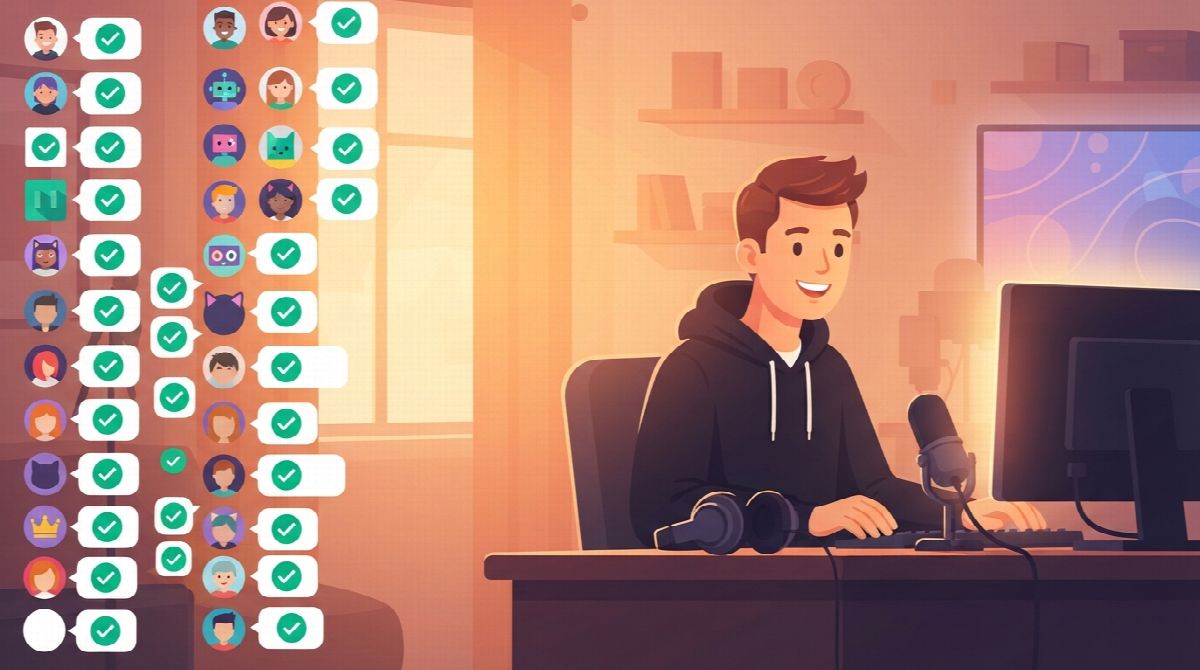
- A shared habit with your chat. Give your community something to show up for on the same days you do. Many streamers already run a fitness, study, or sobriety habit alongside their channel. When viewers checkin with their own habit in your chat on stream days, your going live becomes the thing that makes their checkin happen, and a schedule that other people depend on is the hardest kind to break. The Discord server engagement ideas guide has more formats that work between streams.
The same principle runs in the other direction. Viewers turn into regulars when your stream becomes part of their routine, and a shared daily habit gives them a reason to come back that survives a slow content week.
You already know you can change.
You just need to take the first step. Habit Huddle helps you build habits around your goals, alongside friends who keep you accountable.
How Habit Huddle fits a stream schedule
Habit Huddle is our app, so weigh this recommendation accordingly. It is built for exactly the two things this guide keeps returning to: a habit with a Floor and a Ceiling that you checkin against, and a group of people who see you show up.
For your own schedule, you track "stream day" as a habit with a Floor (the 90-minute minimum) and a Ceiling (the full session), and checkin after each stream. Your streak counts in days you showed up. For your community, the free Twitch habit bot joins your chat once you link your Twitch account and hit Connect Twitch in your huddle's settings. Viewers type !join to get in with no signup, !checkin to log their own habit for the day, and !goal on days they burst through their ceiling. The huddle's Checkin Chain grows by one link for every member who checks in that day, and an OBS browser-source overlay can show each checkin popping up on stream so the community sees the chain grow live. Chat works when you are offline too, so the habit runs between streams.
The trade-offs are real. It is one more thing in chat, and if your community is not interested in habits it will sit unused. It does not schedule streams, post announcements, or replace Twitch's own Schedule feature. The free plan covers one tracking habit per person, which is enough for "stream day" and pinches if you want to track three. If those fit, it is free to connect at habithuddle.com/app, and the guide to staying consistent with goals covers the general version of everything above.
FAQ
How often should you stream on Twitch to grow?
Three to four days a week, two to four hours each, on fixed days at a fixed time, is the range most schedule guides recommend for a growing channel. The more important rule is to pick the number you can hold on a bad week. Two streams you always hit beat five you sometimes cancel, because cancelled streams teach viewers the schedule cannot be trusted.
What happens if I miss a scheduled stream?
One miss does nothing to your channel if you announce it and show up for the next scheduled day. What hurts is vanishing without a word, or missing twice in a row, because a second miss quietly becomes a new schedule. Post the absence, set the next stream as a short Floor stream, and go live on time.
Is it better to stream every day or on a schedule?
A schedule. Daily streaming burns most part-time streamers out within two months, and the days you eventually drop read as decline to your regulars. Three fixed days you keep for a year build a bigger audience than seven days you keep for six weeks.
How long does it take for streaming to feel like a habit?
Longer than a month. Research on habit formation found a median of 66 days for a new daily behavior to feel automatic, with a range of 18 to 254 days. Streaming happens a few times a week rather than daily, so give a new schedule a full season before judging whether it has stuck.
How do I stay motivated to stream with low viewers?
Stop relying on motivation and build a reason to go live that does not depend on viewer count: a fixed schedule you have published, a pre-stream routine that runs on autopilot, and at least one person who expects you on stream days. A streaming buddy, a public stream-day count, or a shared habit with your chat all work.
Ready to Build Habits With Friends?
Stop failing alone. Join thousands using the #1 habit tracker with friends for real accountability and lasting results.
Prefer mobile? App Store · Google Play
Related Guides
More Habit Huddle articles on building habits with accountability.

HabitShare Alternatives: 6 Apps for Tracking Habits With Friends (2026)
Looking for a HabitShare alternative? Six social habit trackers compared by model, price, platforms, and what happens on a missed day, plus how to switch wit...

What to Do When You Miss a Workout Day: The 5-Step Comeback Plan
Missed a workout day? What one miss does to your body and habit, according to research, plus a five-step plan for the next 24 hours, when to make it up, and...

Habit Streak App With Friends: 7 Apps Compared (2026)
Seven habit streak apps with friends compared: Habit Huddle, HabitShare, Daily Pact, Habitica, Streaks, Habit Streak duels, HabitStreak.io. What friends see,...